Record your day. Transcribe it offline.
DayBee lives in your tray, records long sessions, keeps only the speech and turns it into searchable transcripts. Audio and text never leave your machine.
Free and open source · macOS 13.3+ and Windows


Capture
Microphone audio, plus optional macOS system audio kept on its own track.
Filter and transcribe
Silero VAD keeps the speech and a local ASR model writes it down as you talk.
Keep
WAV or FLAC files with matching transcript JSON, filed by day on your disk.
A recorder that stays out of your way
Record all day from the tray
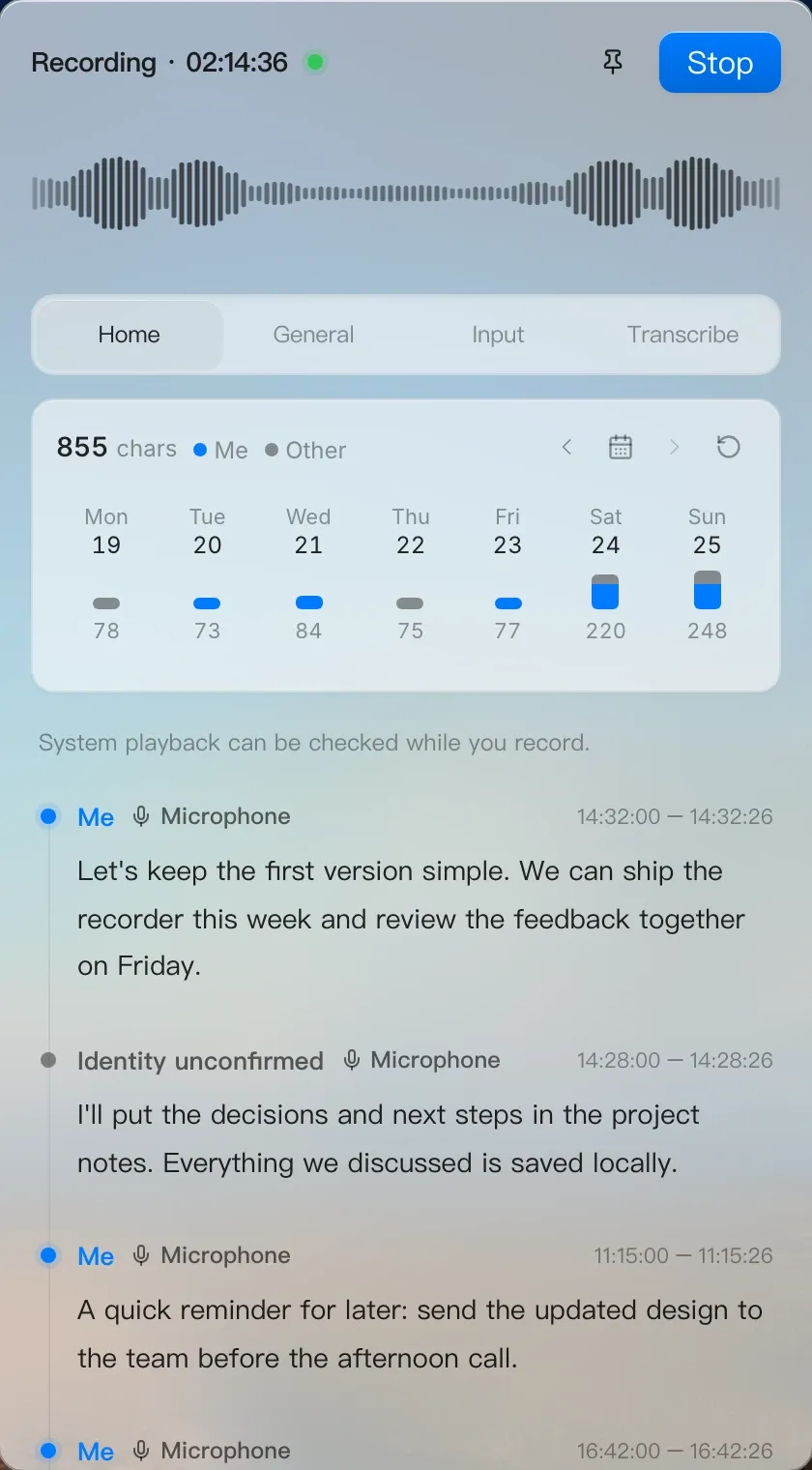
Start on launch, record for hours and let DayBee split the session into files automatically. Pause or switch microphones from the tray.
Tray · Auto segments · Waveform

Live transcripts, fully local
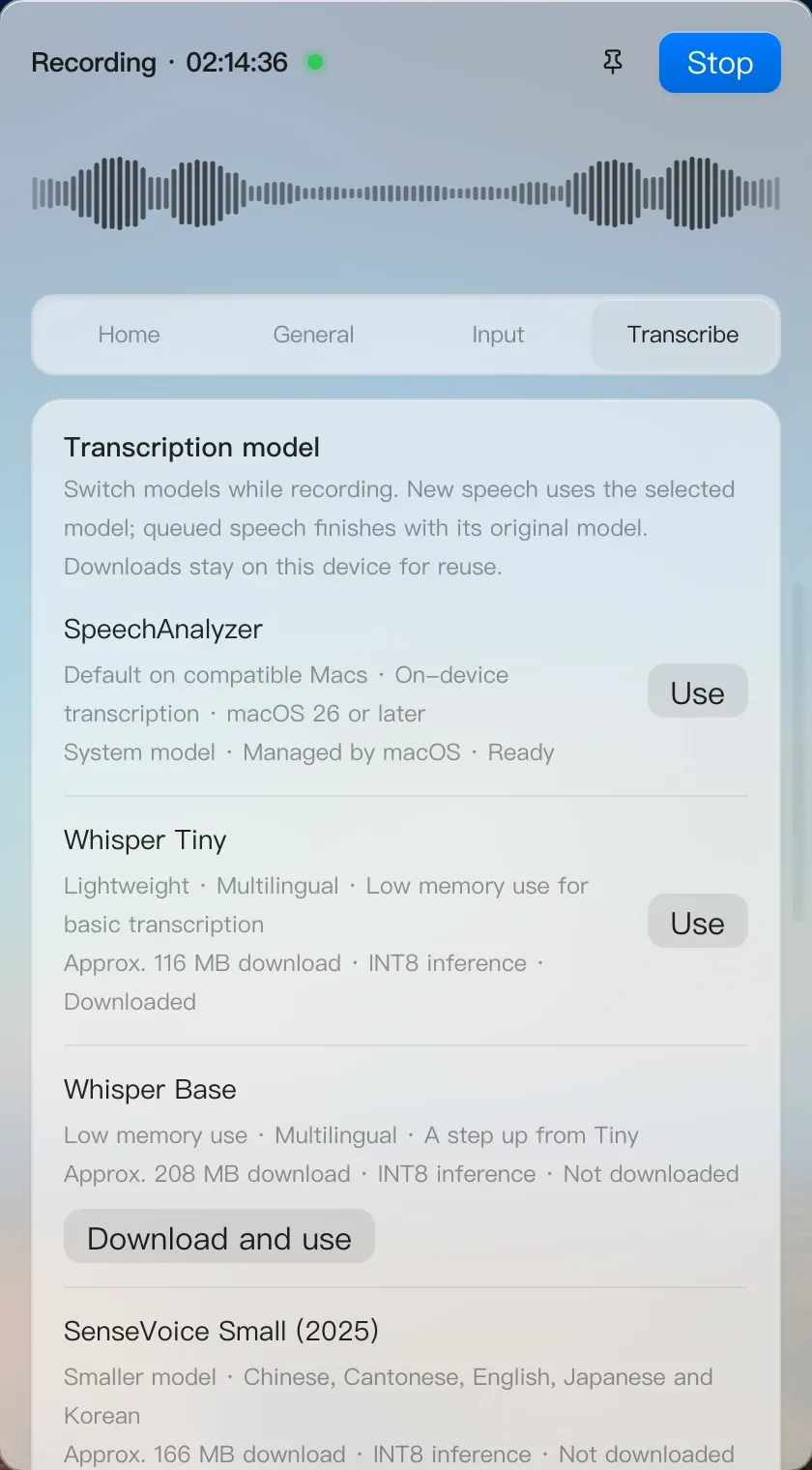
Apple SpeechAnalyzer on macOS 26+, or Whisper, SenseVoice, Qwen3 ASR and FireRedASR running on your own CPU.

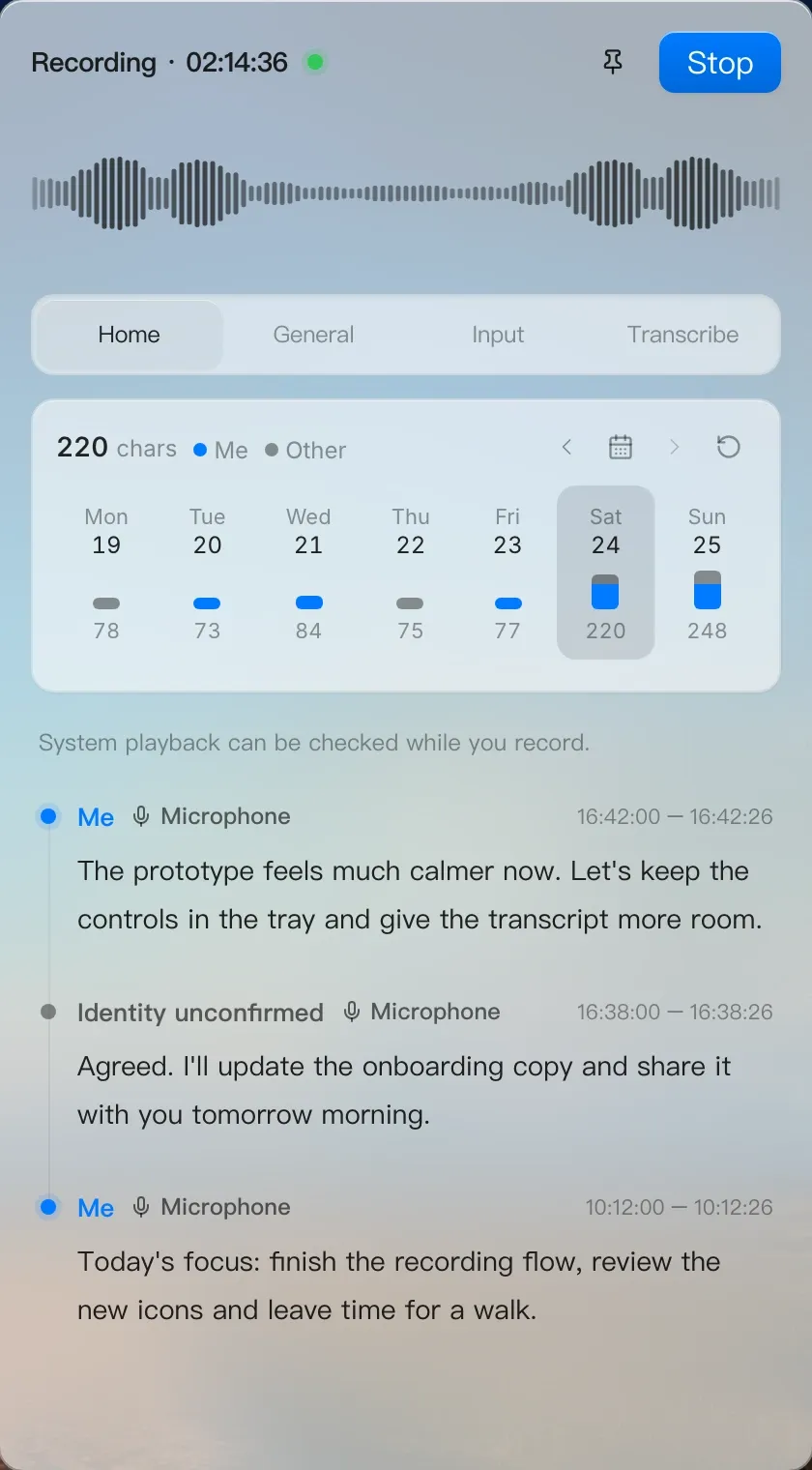
A timeline of what was said
Browse every saved transcript by day, replay the audio behind a line and run batch transcription on old recordings.
Why DayBee
Free, local and open source.
Your cost
Free. No subscription, no per-minute transcription fees and no account to create.
Your computer
Speech recognition runs on your device. Nothing waits on a cloud service or an internet connection.
Your data
Recordings and transcripts are plain files in a folder you choose. Nothing is uploaded.
Built for long days of audio
The details that make all-day recording practical.
Keep only the speech
VAD-only mode saves speech segments and drops the silence, so a full day stays small on disk.
Echo cancellation
Native echo cancellation on macOS keeps speaker playback out of your recordings and transcripts.
Know which lines are yours
Enroll your voice once and DayBee labels the lines you said, live and in batch runs.
Which app was listening
Transcripts are annotated with the apps that used the microphone during the same period.
MCP server built in
Let AI assistants list, search and read your saved transcripts through a local MCP server.
Signed auto-updates
DayBee checks for signed updates and installs them only when recording and transcription are idle.
Get started in a minute
No runtime to install. Speech models download when you first need them.
- 1
Download the installer
Grab the .dmg for Apple Silicon or Intel Macs, or the .exe installer for Windows.
- 2
Open it from the tray
DayBee sits in the menu bar or system tray and can start at login.
- 3
Start recording
Pick a microphone and a model. Transcripts appear as you speak.
Frequently asked questions
DayBee is a free, open-source desktop recorder that lives in your system tray. It records long sessions, keeps only the speech and transcribes it locally.
Let your day write itself down
Download DayBee, leave it in the tray and read your day back as text. Free and open source.
Free and open source · macOS 13.3+ and Windows